
Wan 3.0 puts a complete video brief into one browser workflow.
Text direction, multimodal references, native 1080P, clips up to 30 seconds, synchronized sound, and visible credits form a practical path from idea to reviewable output.
What Is Wan 3.0?
Wan 3.0 is an AI video generation workflow that turns written direction and optional image, video, or audio references into a finished video clip. The browser workspace supports text-to-video, image-to-video, and reference-led creation.
Creators can set the output format, choose a duration from 4 to 30 seconds, enable synchronized sound, review the required credits, and submit the complete brief from the same form.
Evidence status
Workflow verified
The controls and saved files are reviewable. Repeatability, generation success rate, and provider-side task history remain unverified without task logs.
Resolution and duration options visible in the WanMax form
Text, image, video, audio, and frame-led workflows
Synchronized sound and audio-reference controls
Credit requirement shown before submission
Saved examples inspected for motion, continuity, detail, and sound
Why it stands out
Why Wan 3.0 feels practical in real creative work
Longer native video generation
A 4-to-30-second duration range gives a brief room for an opening, a visible action, and a resolved final beat without stitching several short clips together.
Multiple reference input types
Text direction can work with image, video, and audio references, so appearance, movement, timing, and sound can enter the same creative brief.
Synchronized picture and sound
Dialogue direction, physical effects, ambience, and music cues belong to the same generation task as the moving image.
Visible settings and generation cost
Resolution, duration, audio, and the required credits stay together at the point where the user submits the task.
How We Reviewed the Wan 3.0 Workflow and Saved Examples
The review checks one visible workspace and four saved local examples against the same inspection criteria. It does not claim a controlled benchmark or a measured success rate because generation task IDs and provider logs are not available in this repository.
Review setup
- Workspace
- WanMax browser generator
- Generation modes
- Text, image, video and audio reference workflows
- Review set
- Four saved local video examples
- Evidence limit
- Generation task IDs and provider logs are not included in this repository
- Review edition
- September 2026 · Wan 3.0
Evaluation criteria
- Prompt adherence
- Motion and continuity
- Subject consistency
- Camera direction
- Resolution and detail
- Audio synchronization
- Ease of use
- Cost transparency
Wan 3.0 Video Examples: Briefs, Settings and Review Points
Each saved file is paired with a reusable brief and concrete visual or audio checks. These examples demonstrate what to inspect; they do not establish a repeatable benchmark without the original task records.
Text-to-Video Motion and Camera Direction
A text-led scene built to assess visible subject movement, deliberate camera direction, lighting continuity, and a complete ending beat.
What to inspect
Subject motion follows the written action
Camera movement stays readable
Lighting and scene identity remain coherent
Recreate briefView the full production direction
Create a cinematic fantasy scene inside a vast stone hall at dusk. A black dragon turns toward camera, lowers its head, then steps forward as embers move through the air. Begin with a wide establishing shot, push slowly toward the dragon, and finish on a steady close profile. Preserve the dragon's scale pattern, horn shape, hall geometry, and warm firelight throughout. Add deep wing movement, distant stone echoes, restrained fire crackle, and no on-screen text.
Reference-Guided Subject and Scene Control
A reference-led sequence focused on carrying recognizable subject details, composition, and scene direction into a moving result.
What to inspect
Identity remains recognizable
Composition respects the reference
Motion adds to the source rather than replacing it
Recreate briefView the full production direction
Animate a reference-led character scene in a windswept mountain courtyard. Keep the character silhouette, clothing palette, facial structure, and surrounding architecture consistent with the supplied image. The character walks across frame, pauses, and looks toward a distant ridge while fabric and loose hair respond to the wind. Use a slow lateral tracking shot, natural overcast light, subtle mountain ambience, and no abrupt scene change.
Native 30-Second Motion Sequence
A longer sequence used to review pacing across an opening, developing action, visual transition, and resolved final frame.
What to inspect
The sequence has a clear beginning and end
Motion remains coherent through transitions
The final seconds complete the visual idea
Recreate briefView the full production direction
Create a 30-second abstract motion sequence that begins with a single metallic form in a quiet dark space. Let the form unfold into layered ribbons, travel through three distinct spatial arrangements, and resolve as a balanced sculptural object. Use one continuous floating camera path, controlled reflections, cyan edge light, deep neutral shadows, and a measured electronic soundscape that builds with each transformation and ends cleanly.
Synchronized Audio and Visual Timing
An audio-led performance scene that pairs physical action with room ambience, rain texture, and a precisely timed musical phrase.
What to inspect
Sound events match visible action
Ambience supports the room
The musical ending aligns with the final frame
Recreate briefView the full production direction
Create an intimate performance scene of a violinist playing beside a tall rain-covered window at night. Start on the bow touching the strings, move slowly around the performer, and finish with the final note as the camera settles on the window reflection. Synchronize bow movement with the violin phrase, layer soft room resonance and rain against the glass, keep the performer and instrument consistent, and avoid cuts that interrupt the musical timing.
How to Use Wan 3.0 in Three Steps
The full creation path keeps the brief, media inputs, output settings, and submission cost together.
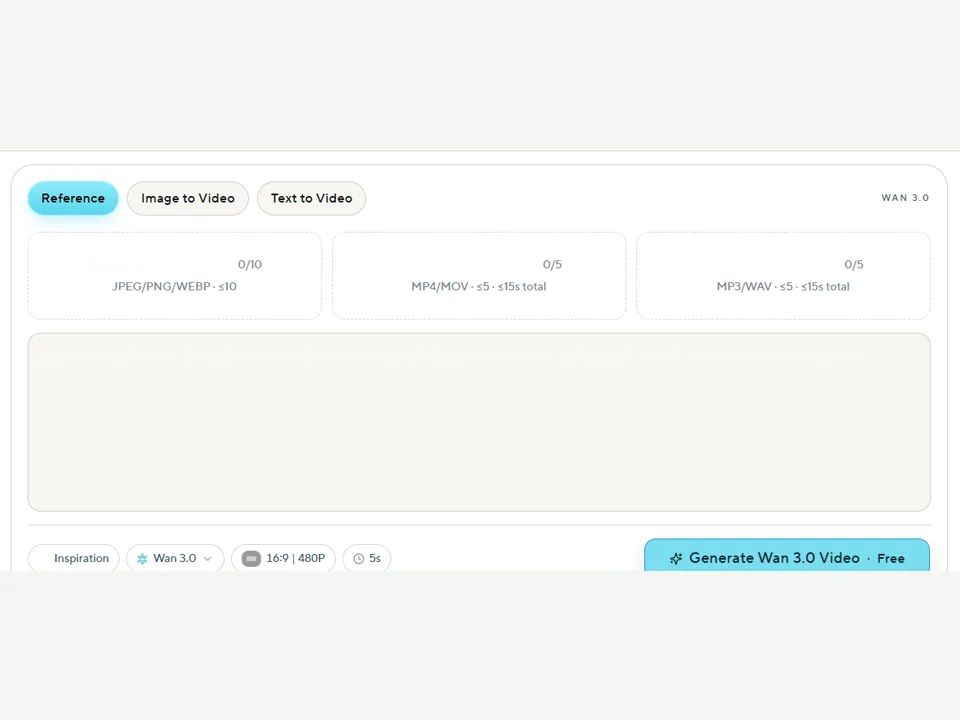
STEP 01
Enter a Prompt or Add References
Choose Text to Video, Image to Video, or Reference. Write the visible action and add only the media that directs identity, motion, composition, or sound.
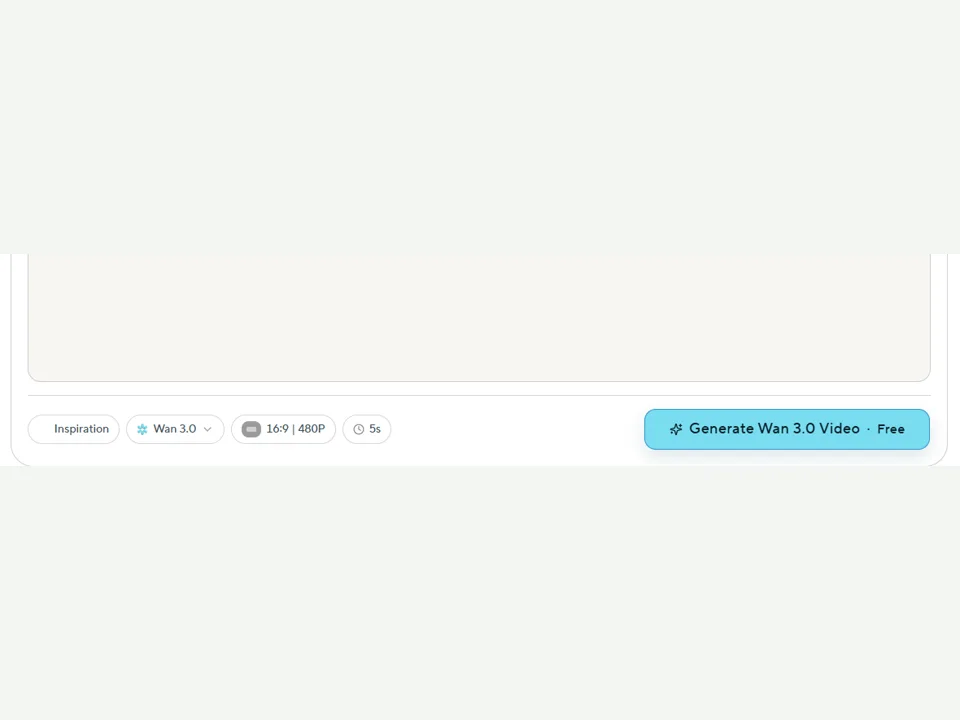
STEP 02
Set Duration, Resolution and Audio
Choose the output shape, resolution, duration, and audio workflow that match the delivery format before spending credits.
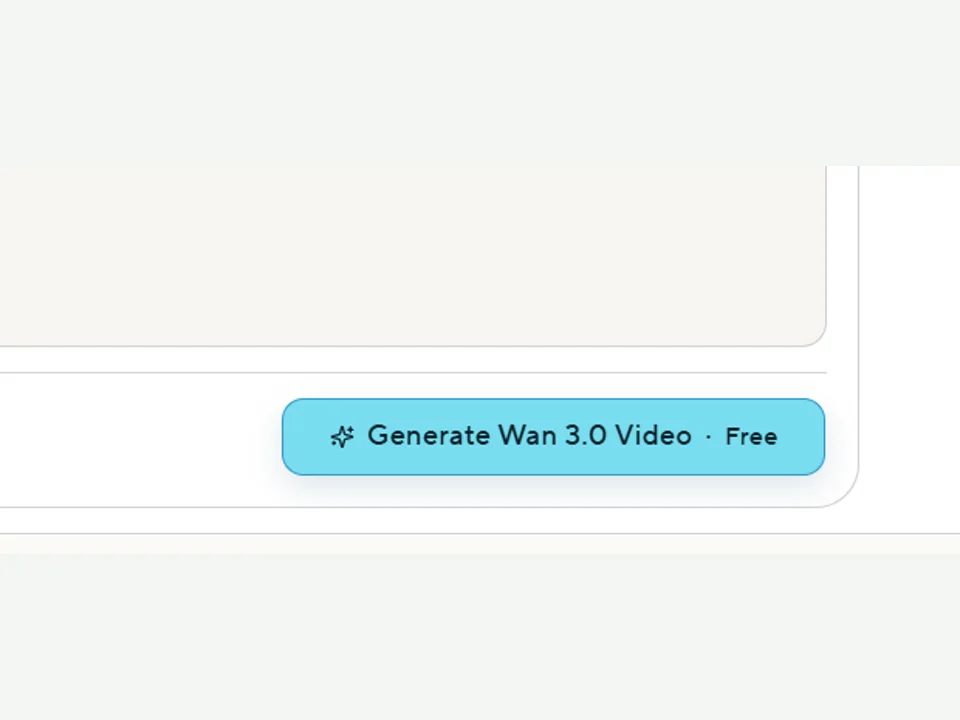
STEP 03
Review the Cost and Generate
Read the final prompt, output settings, and visible credit cost together. Submit the task, then inspect the finished video against the brief.
Wan 3.0 Key Features and Who They Help
The value of each capability comes from the production task it completes, not the length of the feature list.
Wan 3.0 Text-to-Video
01Text-to-video turns a written scene brief into a moving clip. The prompt can define the subject, observable action, environment, camera path, lighting, timing, and sound.
Why it mattersA written brief makes creative intent easy to share, revise, and reuse across several concepts.
Who benefits mostWriters, creative leads, marketers, and teams starting from scripts or storyboards.
Wan 3.0 Image-to-Video
02Image-to-video adds movement to a still starting point while the prompt directs subject action, camera behavior, and the scene around it.
Why it mattersA chosen frame establishes visual identity before motion begins.
Who benefits mostDesigners, product teams, art directors, and creators animating campaign images or concept art.
Video and Audio References
03The Reference workflow accepts supporting image, video, and audio files alongside the written direction. Each input can control a distinct part of the result.
Why it mattersReference media gives the brief concrete visual, movement, and sound cues.
Who benefits mostProduction teams building from existing assets, movement studies, sound cues, or a defined visual system.
Synchronized Audio
04Wan 3.0 generates the moving image and its sound in one task, including spoken direction, physical effects, ambience, and music cues.
Why it mattersPicture and sound can be reviewed as one timed result instead of separate creative passes.
Who benefits mostAdvertising, social, education, and story teams whose scenes depend on timed sound.
Workflow and Ease of Use
05Input mode, prompt, output settings, duration, audio, and credit cost sit in one focused browser form.
Why it mattersThe full submission decision remains visible before generation begins.
Who benefits mostIndividuals and teams that want a direct path from brief to a reviewable video file.
Wan 3.0 Pricing and Value for Money
WanMax uses one-time credit packs. Every generation displays its credit requirement after the mode, duration, resolution, and audio settings are selected.
| Plan | Price | Credits | Cost per credit |
|---|---|---|---|
| Basic | $29.9 | 350 | $0.085 |
| Plus | $49.9 | 600 | $0.083 |
| Professional | $99.9 | 1250 | $0.079 |
Value per generation
The creation form calculates the required credits from the selected mode, duration, resolution, and audio settings. This keeps the production decision next to the final brief.
What the plans include
Paid packs cover 1080P export, native audio workflows, no-watermark downloads, commercial use, queue priority, and plan-based support.
Review Wan 3.0 PricingWan 3.0 vs Seedance 2.5: A Workflow Snapshot
The useful comparison starts with the controls and delivery requirements visible in the workflow, then continues with the exact provider chosen for production.
| Dimension | Wan 3.0 in WanMax | Seedance 2.5 workflow |
|---|---|---|
| Output | Native 1080P is available in WanMax | Output follows the active Seedance provider |
| Duration | Selectable from 4 to 30 seconds | Duration follows the active Seedance provider |
| Audio | Synchronized sound in the generation task | Audio follows the active Seedance workflow |
| Reference inputs | Dedicated image, video, and audio inputs | Reference capacity follows the provider interface |
| Frame control | First- and last-frame controls in supported modes | Frame controls follow the provider interface |
| Cost visibility | Credits shown before submission | Pricing follows the provider and plan |
08 · Final Conclusion
Wan 3.0 Review Verdict: Should You Use It?
Wan 3.0 is worth testing when a project needs native 1080P, clips up to 30 seconds, synchronized audio, and multimodal direction in one browser workflow. Use a representative brief, record the settings and credit cost, then judge the exported file for motion, continuity, detail, and sound before committing production volume.
Decision basis
Your exported result and retry cost
Questions About the Wan 3.0 Review
01Is Wan 3.0 good for commercial video work?+
Yes. WanMax paid credit packs include commercial-use coverage, 1080P export, native audio workflows, and no-watermark downloads. Review the active plan terms before publishing client or campaign work.
02Does Wan 3.0 support native 1080P?+
Yes. The WanMax generator exposes native 1080P as an output setting alongside 480P and 720P options.
03Can Wan 3.0 generate 30-second videos?+
Yes. The available duration range runs from 4 to 30 seconds, so one brief can cover a short visual beat or a longer sequence with a beginning, action, and ending.
04Does Wan 3.0 support synchronized audio?+
Yes. Wan 3.0 generates picture and sound within the same task, covering dialogue direction, physical sound, ambience, and music cues written into the brief.
05What inputs does Wan 3.0 accept?+
Wan 3.0 accepts text direction plus image, video, and audio references. The Reference workflow provides dedicated upload areas for each media type.
06How much does Wan 3.0 cost?+
WanMax offers one-time credit packs from $29.9. The generator calculates the credits for each task from the selected mode, duration, resolution, and audio settings before submission.
07Is Wan 3.0 worth using in 2026?+
Wan 3.0 is a practical fit for creators and teams that need native 1080P, clips up to 30 seconds, synchronized audio, and multimodal direction in one browser workflow. Test the workflow with your own brief and judge the exported file against the delivery requirements.