


Omni-Creation: 20 References, Plus Documents and URLs
Text, images, video and audio, plus PDFs, decks, spreadsheets and any webpage — up to twenty references in one task, all handled by a single model rather than four separate ones.
Wan 3.0 · Alibaba's Tongyi Lab · Public beta since 6 August 2026
Wan 3.0 is not only a text-to-video model. It generates, references, replicates and edits inside one model — from a prompt, from as many as twenty references, or from a document or webpage URL — and returns a 1080p clip of up to thirty seconds with the audio generated in the same pass.
Try Wan 3.0 AI Video GeneratorRead Wan 3.0 Review (2026)Up to 30 seconds · 480P / 720P / 1080P · 20 references · Audio in-pass
The model
Wan 3.0 is the video generation model developed by Alibaba's Tongyi Lab, launched in public beta on 6 August 2026. Calling it a text-to-video model understates it: Wan 3.0 is built as an all-in-one video generation and editing model, which means the prompt is only one of several ways in.
Wan 2.7 split the work across separate models — one for text-to-video, one for image-to-video, one for reference generation, one for editing. Wan 3.0 folds reference, editing, replication and motion driving into a single model. In practice that means you stop choosing a model before you start and instead choose an input.
The capability that most clearly separates Wan 3.0 from the 2.x line is Omni-Reference. Alongside text, images, video and audio, it reads structured files — doc, xls, ppt, pdf, txt, key, pages, numbers and md — and any webpage URL, then builds a sequence from what it finds inside. A campaign deck can go in as the deck. A product page can go in as a link.
One task takes up to twenty references across those types, and holds them consistent through the clip rather than only at the opening. A character's face, a prop and a set stay themselves via multi-dimensional feature alignment. Editing works the same way: reselect a time interval and regenerate only that part, dialogue included, instead of re-running the whole clip.
This is an independent front end for Wan 3.0, not operated by or affiliated with Alibaba. For first-party access, go to Alibaba Cloud Model Studio.
Wan Model Family
Four Wan models are available here and none of the older three are retired. Each release solved a different problem, so the right pick depends on whether you need shot control, editing, cloning, or just a fast short clip. Every card says what the version added and when it is still the better choice.
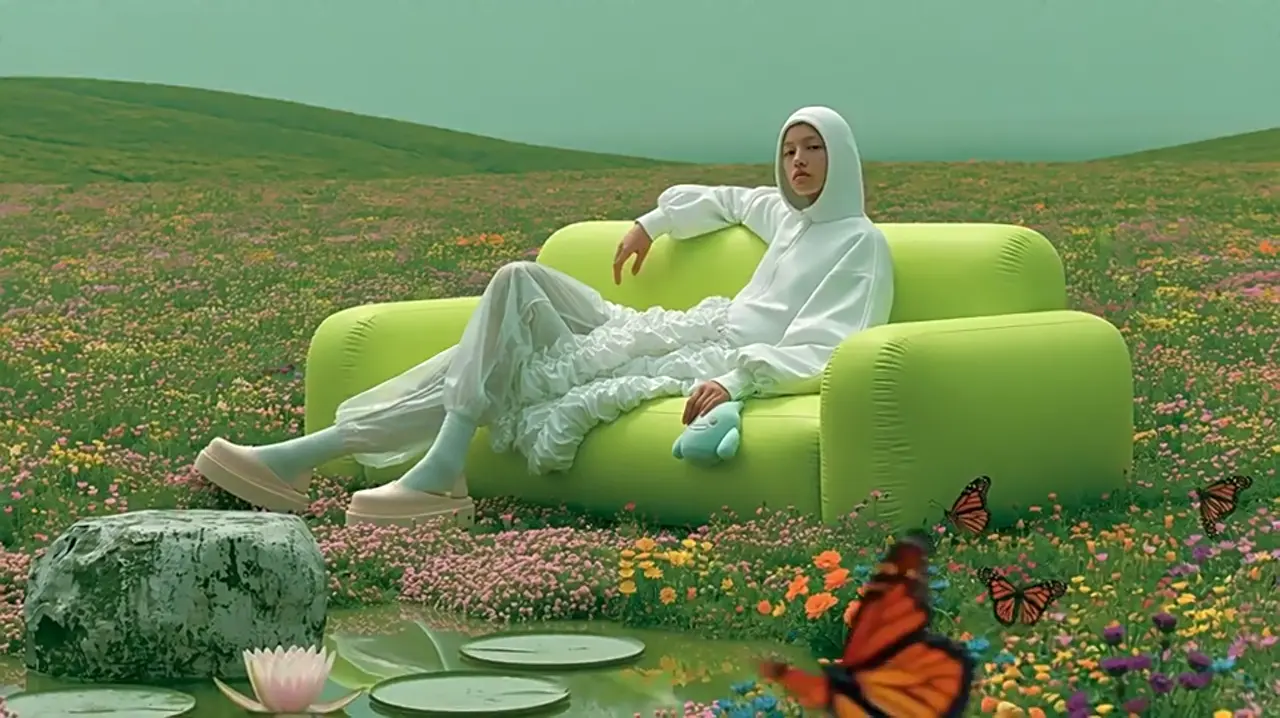
Create up to 30 seconds with sound and multimodal references.
Open Wan 3.0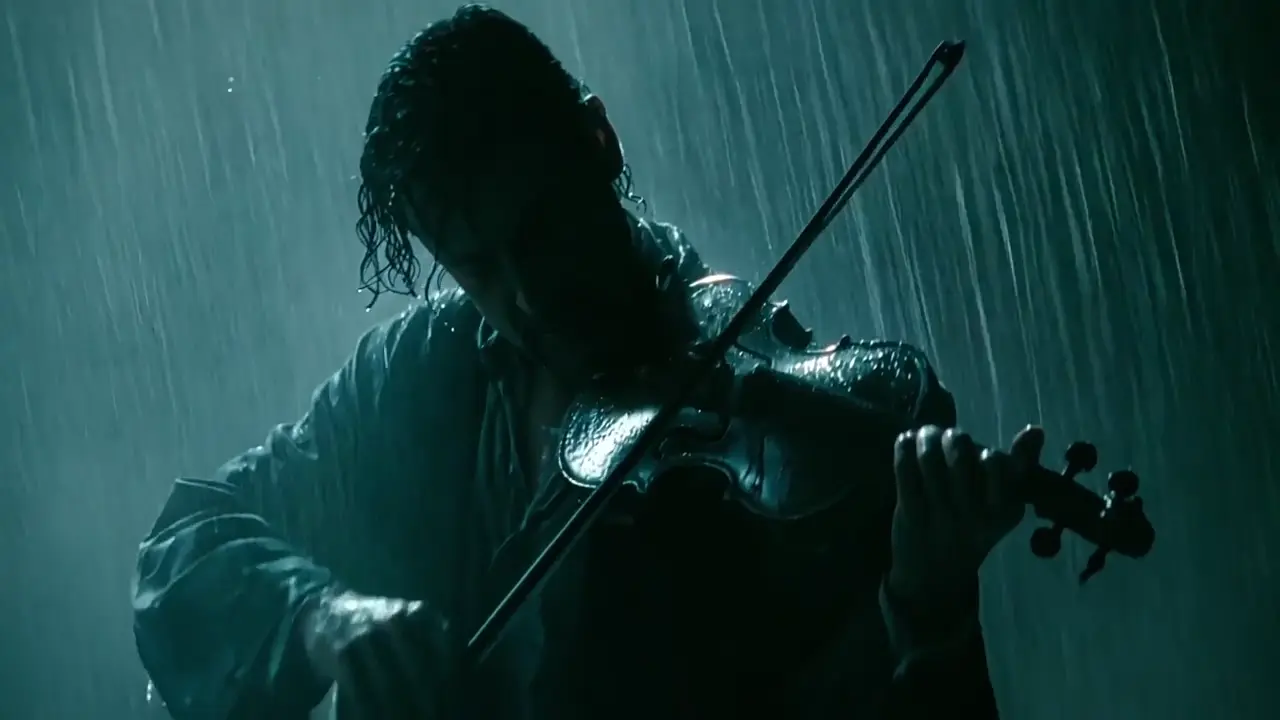
Shape every shot with frame control, editing and references.
Open Wan 2.7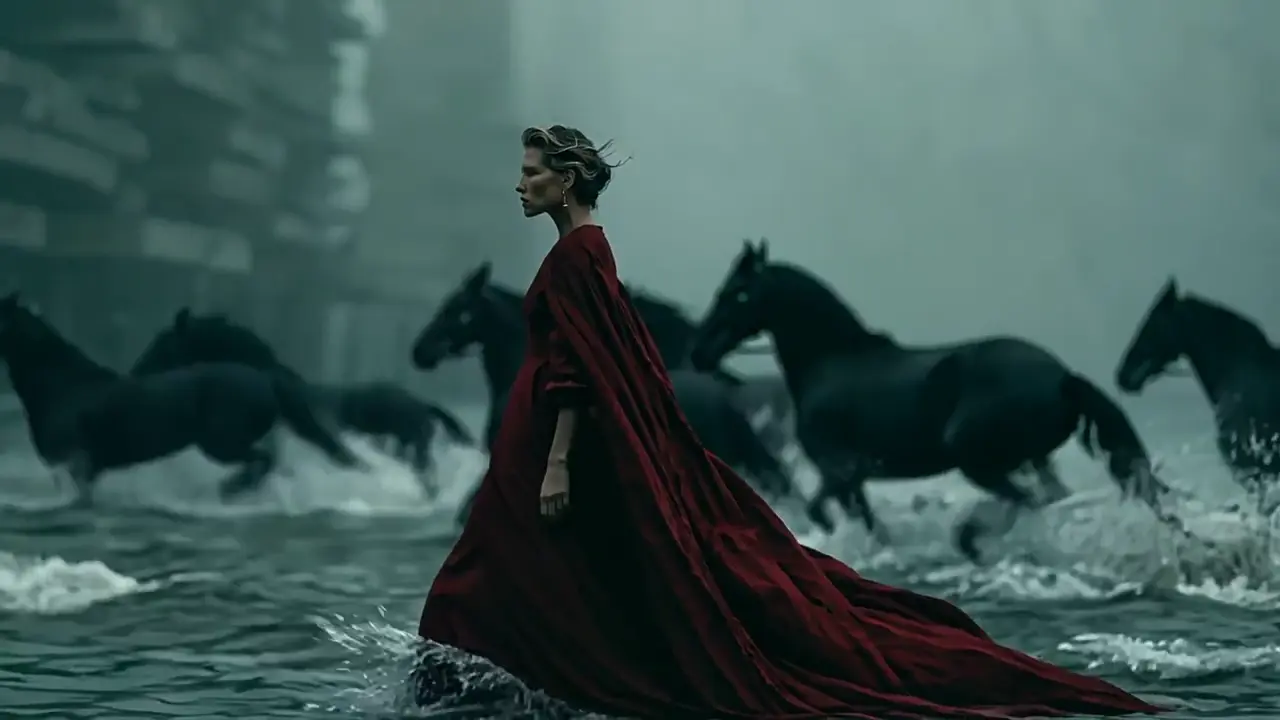
Tell richer stories with multi-shot video and synchronized sound.
Open Wan 2.6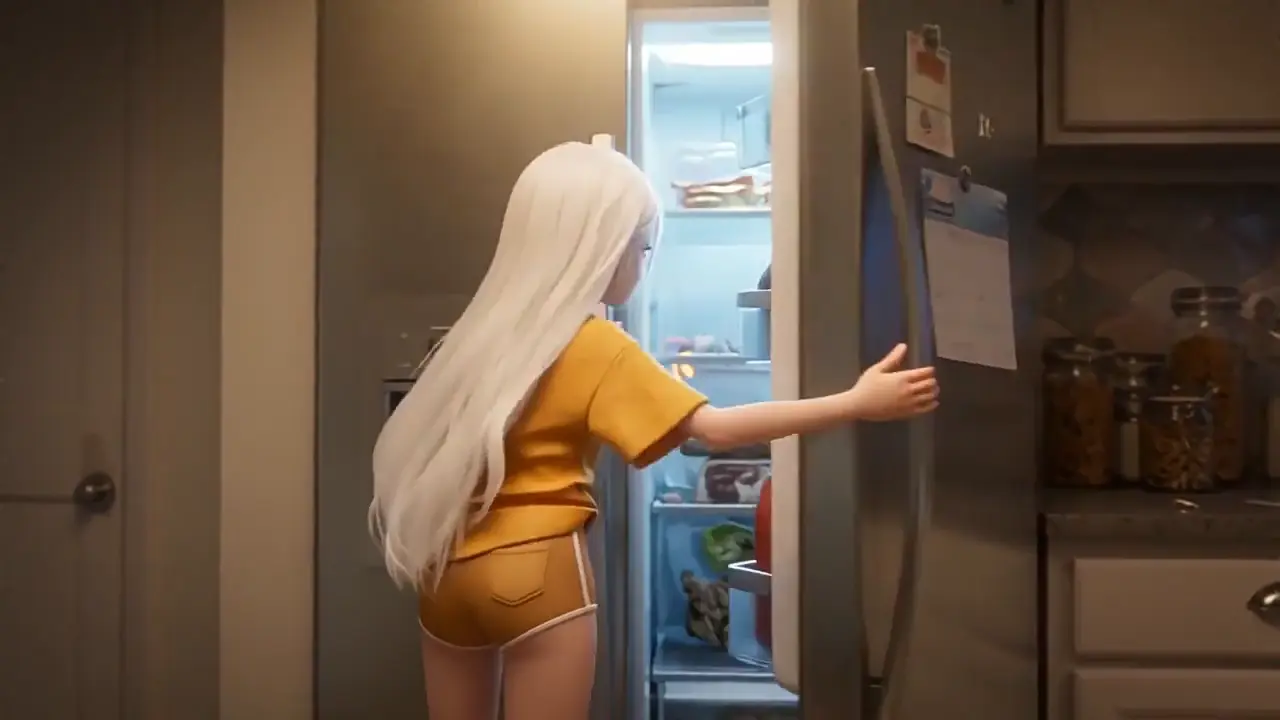
Bring your first ideas to life with short clips and native audio.
Open Wan 2.5Key features
Four specifications define Wan 3.0: how long a clip can run and at what resolution, that the audio is written in the same pass, that faces and props hold across the full duration, and that almost anything can be an input. Two further capabilities arrived with 3.0 and are easy to miss.
Text, images, video and audio, plus PDFs, decks, spreadsheets and any webpage — up to twenty references in one task, all handled by a single model rather than four separate ones.
Two to thirty seconds in a single run, long enough for an opening, a turn and a close without stitching clips together afterwards. Smart duration will propose a length from the prompt.
Faces, clothing, props and scene layout hold from the first second to the last. Identity Lock carries a character between sessions, not just within one clip.
Dialogue, ambience, effects and music in the same pass, conditioned on what is visible, with phoneme-level lip sync across twelve languages.
Mark the seconds that are wrong and regenerate only those, dialogue included, instead of re-running the whole task. Video extension lengthens a result you already like.
2–30s · 480P / 720P / 1080P · 20 references · 5 aspect ratios · Audio included
Full spec table
Same brief, different model, different result and different cost. Every cell is a number or a named mode.
| Capability | Wan 2.5 | Wan 2.6 | Wan 2.7 | Wan 3.0 |
|---|---|---|---|---|
| Resolution tiers | 480P / 720P / 1080P | 720P / 1080P | 720P / 1080P | 480P / 720P / 1080P |
| Model architecture | Single purpose | Single purpose | Separate models per job | One unified model |
| Native audio | Yes | Yes, synchronized | Yes, enhanced | Yes, in-pass |
| Text to video | Yes | Yes | Yes | Yes |
| Image to video | Yes | Yes | Yes | Yes |
| First + last frame | No | No | Yes | Yes |
| Video as reference | No | Yes | Yes | Yes |
| Audio as reference | No | No | Yes (cloning) | Yes |
| Document / URL input | No | No | No | doc, xls, ppt, pdf, txt, key, pages, numbers, md + any URL |
| Reference consistency | Basic | Within shot | Within shot | Held across the clip |
| Prompt-based editing | No | No | Whole clip | Selected interval |
| Subject / voice cloning | No | No | Yes | Yes |
| Smart duration | No | No | No | Yes |
| Video extension | No | No | No | Yes |
| Status | Stable | Stable | Stable | Public beta |
Wan 2.7 is not a downgrade — it has frame control, editing and cloning, and it costs less. Wan 3.0 earns its cost when the source material is a file or a link, when the clip runs past the 2.x ceiling, or when a fix needs to touch one interval instead of the whole task.
Try Wan 3.0 AI Video GeneratorCompare Wan AI Model PricingUse cases
Six things people are actually making with Wan 3.0.
E-commerce
Online sellers and DTC brands turn a single product shot into a rotating or in-use clip of eight to twelve seconds, square or vertical for listings and ads. References hold the label, shape and colour for the whole clip, so a batch of listings reads as one product rather than six near-misses.
Social
Creators and social teams write a brief in three beats and get back a finished vertical post — thirty seconds with the audio already mixed in. There is no assembly step afterwards, which is what makes posting on a weekly cadence affordable rather than a production job each time.
Advertising
Performance marketers pin the product to one set of reference images and the environment to another, then run the same brief at 16:9, 9:16 and 1:1. Up to twenty references are held across the clip, so the palette and the set stay identical between variants instead of drifting apart.
Training & explainers
L&D teams and course creators upload the deck that already describes the topic and let Wan 3.0 read it as source material. It is the only model on the comparison table that takes a document or a URL directly, so the brief goes in as the brief rather than being rewritten as a prompt first.
Property & architecture
Estate agents and architecture studios animate one render or photograph into a twenty-second move through the space. A walkthrough has to be one unbroken take, and thirty seconds in a single generation means no chaining and no seam where two clips were joined.
Film & previz
Directors and agencies block a sequence in timed beats before anything costs money to shoot. When a note comes back on one beat, that interval gets regenerated on its own — so previz survives a revision round instead of being thrown away and redone from the top.
Limits
Wan 3.0 is in public beta and there are briefs it is the wrong tool for. Knowing which ones saves credits.
Thirty seconds is a ceiling, not a suggestion. Video extension lengthens a result but does not make a two-minute piece a single task, and consistency across separate tasks is not guaranteed even with identical references.
On-screen text is more legible than in the 2.x line but still unreliable. Treat any logo, label or caption in the output as a placeholder and composite the real asset afterwards.
Ask for four objects and you may get three or five. Hands performing a repeated mechanical action remain among the least dependable subjects — build the shot so the critical beat is not a close-up on fingers.
Omni-Reference reads a deck, but it reads it as source material rather than as direction. Timing, camera and order still have to be written. A deck alone produces a plausible first pass, not the video you had in mind.
A short single-shot clip with no file input and nothing to hold together does not need Wan 3.0. Running it here costs more for a comparable picture.
References and voice cloning hold identity, but neither is a substitute for consent. Do not use them to reproduce a real person's face, voice or performance without rights.
Our full hands-on evaluation, including the briefs where it underperformed, is in the review.
Read the Wan 3.0 reviewWan 3.0 is the video generation model developed by Alibaba's Tongyi Lab and launched in public beta on 6 August 2026. It generates clips up to thirty seconds long, with synchronized native audio created in the same pass as the picture.
Wan 3.0 Omni-Reference reads documents and webpages as source material for video. Supported inputs include doc, xls, ppt, pdf, txt, key, pages, numbers and md files, plus any webpage URL. It builds a sequence from the content inside the file or page.
Wan 3.0 accepts up to twenty references in one task, spanning images, video, audio, documents and webpages. These references guide the generation together and are held consistent across the clip, rather than influencing only its opening frame or a single moment.
Wan 3.0 generates clips from two to thirty seconds in a single task. A separate video extension feature can lengthen an existing result. Extension continues a clip you already have; it does not change the two-to-thirty-second range for a single generation.
Wan 3.0 generates audio in the same pass as the picture. Native audio is not new to Wan 3.0: it first appeared in Wan 2.5. The distinction is how audio and visuals are produced together, rather than audio being an entirely new capability.
Wan 3.0 lets you select a time interval and regenerate only that part of a video, including its dialogue. You can revise the seconds that need a change without running the entire clip again, keeping the rest of the sequence intact.
Wan 3.0 combines generation and editing in one model, while Wan 2.7 separates different jobs across multiple models. Wan 3.0 also adds document and webpage inputs, a thirty-second generation ceiling, and interval editing that regenerates a selected part of a clip.
Wan 3.0 is not always the cheaper choice. Wan 2.7 remains useful for short, single-shot clips that do not need document or webpage input. It already offers frame control, editing and cloning, so those requirements alone do not mean you need Wan 3.0.
Wan 3.0 can be tried with free credits on eligible accounts. Eligibility determines whether those credits are available to you. The generator displays the credit cost before submission, so you can review the amount required for the task before choosing to run it.
Wan 3.0 output includes commercial use on paid plans under the current terms. That permission does not clear third-party material in your references. You remain responsible for obtaining the necessary rights to any third-party content you supply or include in what you publish.
Questions about a task that already ran — continuity drift, audio timing, references being ignored — are answered on the generator page.
Wan 3.0 generatorWan 3.0 is live for prompt, reference, document and URL driven video up to thirty seconds, with audio in the same pass and interval-level editing afterwards. The credit cost appears before you submit.
Open the Wan 3.0 generatorRead the prompt guideCost shown before submission · One-time credits, no subscription