
Wan 2.5 AI Video Generator for Text and Image to Video
Create a video from text or a source image at 480P, 720P, or 1080P. Text-to-video supports 16:9 and 9:16 output, with fixed 5 and 10 second durations.
Generation output
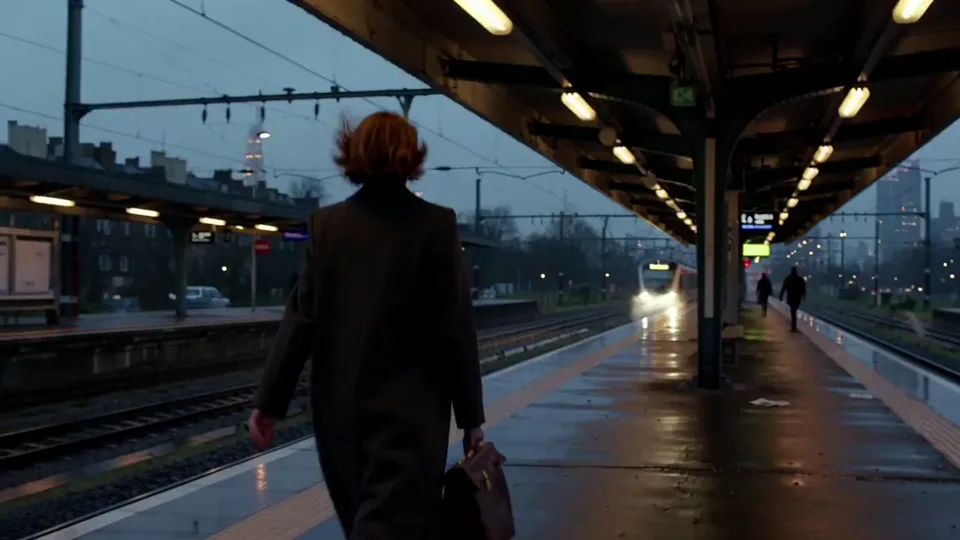
Current parameters
Wan 2.5 · 16:9 · 480P · 5s
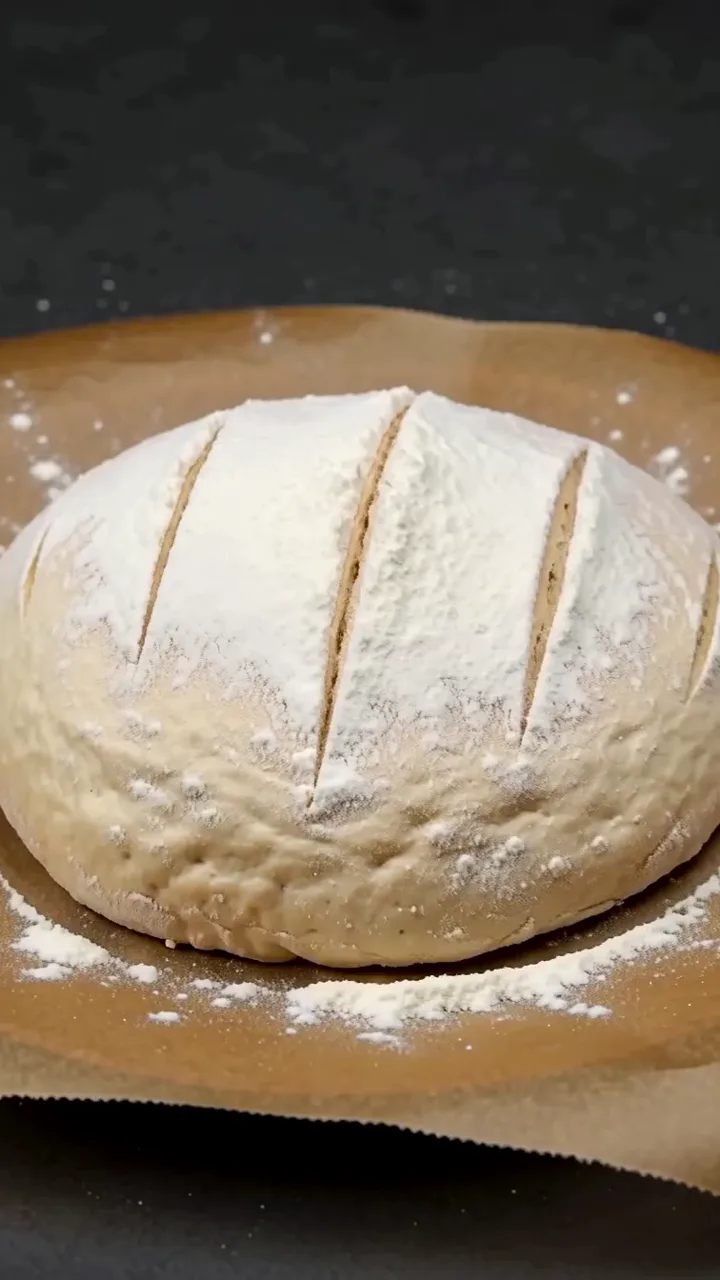
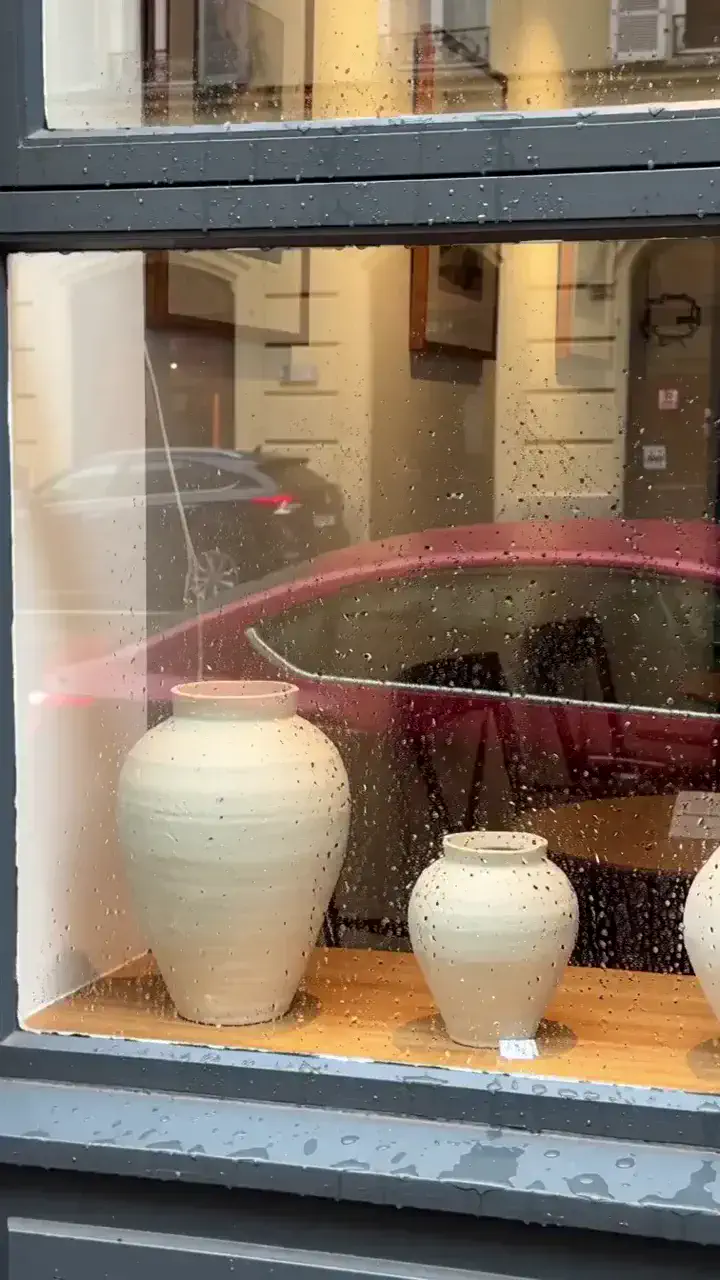
Wan 2.5 video case gallery
Compare compact 5 and 10 second outputs across the supported 480P to 1080P settings.
 Plays in view
 Plays in view
 Plays in view
 Plays in view
 Plays in view
 Plays in view
How to use the Wan 2.5 parameter workspace
Choose an input mode, set the supported output options, review the credit total, and submit the task from the workspace.
- 01
Choose an input mode
Use text to video, or switch to image to video and upload a supported source image.
- 02
Set the output
For text input, choose 16:9 or 9:16. Then select 480P, 720P, or 1080P and a 5 or 10 second duration.
- 03
Review and submit
Read the credit total on the Generate button, submit the task, and wait for the completed video in the output panel.
Wan 2.5 inputs and output settings
The page uses six fixed resolution-and-duration combinations from the supplied credit table.
Text to video
Enter a prompt, choose 16:9 or 9:16, set the resolution and duration, then submit a Wan 2.5 task.
Image to video
Upload a JPG, PNG, or WebP source image, describe its motion, and choose the output resolution and duration.
- Text aspect ratios
- 16:9 or 9:16
- Resolution choices
- 480P, 720P, or 1080P
- Duration choices
- 5 or 10 seconds
- 480P credits
- 5s: 5 · 10s: 10
- 720P credits
- 5s: 9 · 10s: 18
- 1080P credits
- 5s: 15 · 10s: 30
- Default selection
- 480P · 5 seconds · 5 credits
- Workspace behavior
- Authenticated task submission, source-image upload, credit check, and result polling
Write a Wan 2.5 prompt
Use one direct scene description and one clear change that fits the selected 5 or 10 second duration.
Subject
Identify the main visible element.
Movement
Describe a single clear action.
Environment
State the location and relevant conditions.
Audio
Specify dialogue or environmental sound if needed.
Prompt example
A bicycle stands beside a brick wall as rain begins and water gathers on the pavement. Light traffic is heard in the distance.
Wan 2.5 vs Wan 2.6 and Veo 3.1 features
The matrix separates the common text, image, and audio baseline from capabilities that only appear in a later Wan workflow or in the competing Veo frame workflow.
Swipe horizontally to compare all models.
All three models support text, image-led generation, audio, and vertical output. Wan 2.5 differs through its compact connected workflow and 480P option; Wan 2.6 adds reference video and multi-shot control; Veo 3.1 adds first-and-last-frame guidance but is not submitted from WanMax.
Wan 2.5 questions
Answers use the same supported settings and credit rules shown in the workspace above.
Which durations are available in the Wan 2.5 estimate?
The available fixed durations are 5 seconds and 10 seconds.
What is the Wan 2.5 credit total at 480P?
The supplied matrix lists 5 credits for 5 seconds and 10 credits for 10 seconds.
What is the Wan 2.5 credit total at 720P?
The supplied matrix lists 9 credits for 5 seconds and 18 credits for 10 seconds.
What is the Wan 2.5 credit total at 1080P?
The supplied matrix lists 15 credits for 5 seconds and 30 credits for 10 seconds.
Which aspect ratios can I choose for text-to-video?
Text-to-video provides 16:9 and 9:16. The selected aspect ratio and resolution are converted to the matching output size before submission.
What image formats can I use for image-to-video?
Upload a JPG, PNG, or WebP source image. The image is uploaded before the generation request is submitted.
When are credits deducted?
The button shows the required credits before submission. Credits are checked and deducted only when an authenticated generation request is sent, not while you change form settings.
Does this page submit a Wan 2.5 generation task?
Yes. Signed-in users with enough credits can submit text-to-video or image-to-video tasks and view the completed result in the output panel.
Use the connected Wan 3.0 workspace
Wan 3.0 keeps the site’s existing authentication, credit calculation, and generation flow.