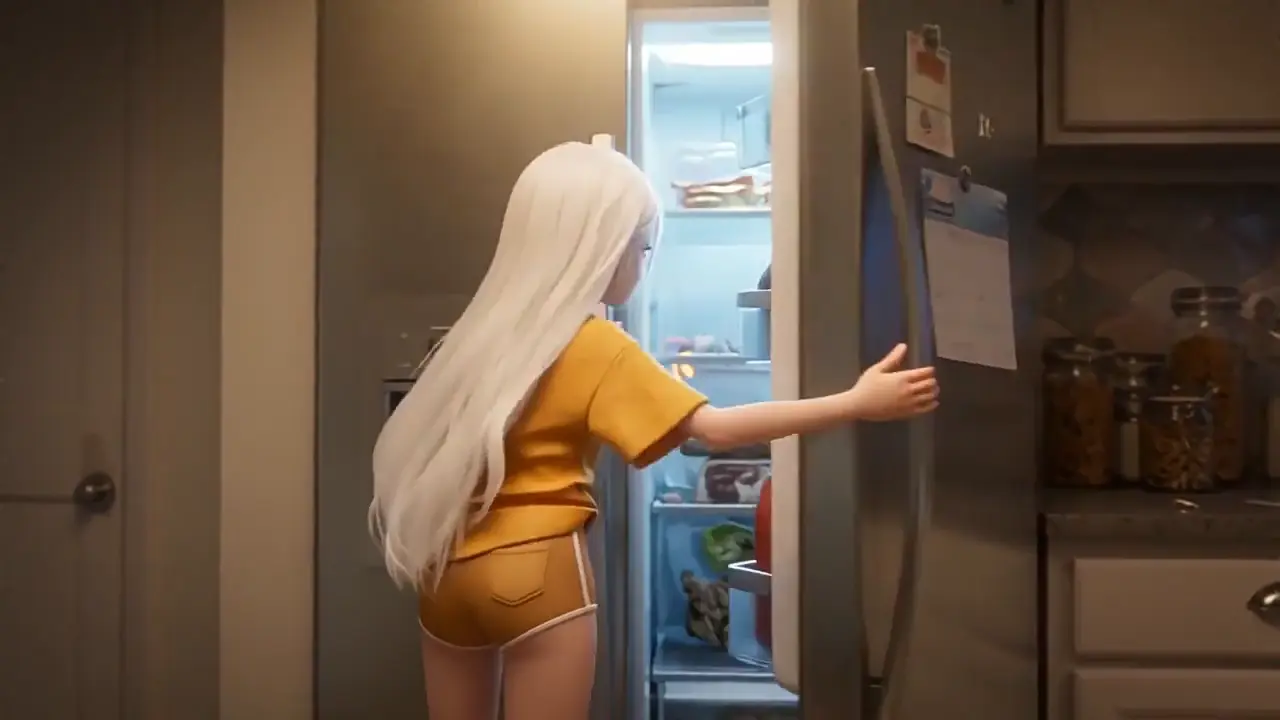
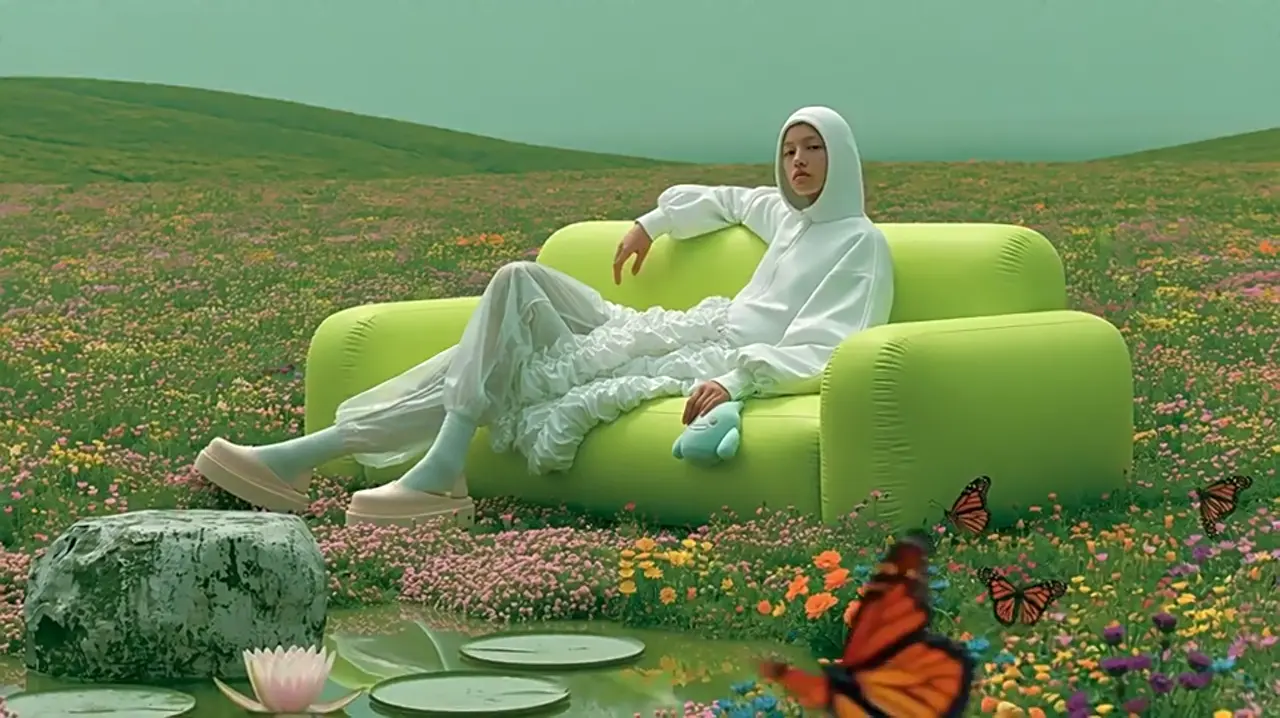
Pick a mode, write the brief, and Wan 2.6 plans the shot transitions for you — up to fifteen seconds across multiple scenes, with the audio generated alongside the picture. The credit cost appears before anything runs.
720p / 1080p · Up to 15s, multi-scene · 24fps · Shot type control · Audio included
Wan 2.6 workspace
Reference, image, and text generation
Wan 2.6
Generation output
Current parameters
Wan 2.6 · Reference videos · 16:9 · 720P · 5s
Generator settings
Wan 2.6 Generator Settings and What to Pick
View guideClose guide
Choose the settings around the number of shots and the time each action needs. The current workspace exposes fixed durations of five, ten and fifteen seconds.
Duration: 5, 10 or 15 Seconds
Five seconds suits one clear action. Ten seconds allows a setup and a response; fifteen seconds gives a short three-shot sequence room to breathe. State a rough timing for every shot instead of leaving the last shot to whatever time remains.
5s — one action or detail
10s — two connected beats
15s — a compact sequence of three shots
Multi Shots: Pair It With Prompt Expansion
Open Advanced Settings and enable Prompt Expansion together with Multi Shots. Write the sequence as separate shots. A multi-shot switch does not replace direction: say what the camera sees and what happens in each shot.
Resolution: Compose at 720p, Finish at 1080p
Use 720p while testing composition, timing and cuts. Move to 1080p when the sequence reads clearly. More pixels will not repair a misplaced subject, an inconsistent prop or an abrupt transition.
Aspect Ratio: Choose the Destination First
Text and reference workflows offer 16:9 and 9:16 here. Image mode follows the uploaded frame. For vertical video, explicitly position the subject and leave room for movement instead of relying on a crop of a wide composition.
Audio: Build Around What You Already Have
Optional audio is available for text and image workflows. Upload a clean track when voice or timing matters, then describe the matching actions. Otherwise write the dialogue, ambience and effects you want generated with the picture.
Credits: Check the Total Before Generating
The displayed cost updates with resolution and duration. Review the total before submission and use your account balance to decide whether to run another variation. Upload requirements and accepted settings remain visible in the form.
Multi-shot storytelling
Wan 2.6 Multi-Shot and How Transitions Are Planned
View guideClose guide
Most models generate one shot and leave the cutting to you. Wan 2.6 plans the sequence: given a brief that spans more than one beat, it decides where the cuts land and what carries across them, following the same conventions a human editor would.
Write Shots, Not a Paragraph
Give each shot its own line with its framing and its action. A single paragraph gives the planner one scene to work with; three lines give it three.
Shot 1 — wide, establishing: what the space is
Shot 2 — medium: the action
Shot 3 — close: the detail that pays it off
Name What Must Survive the Cut
Continuity holds better when you say what it applies to. Wardrobe, a prop, the light direction — listing them is more reliable than assuming.
"Same jacket, same light direction, same room"
Reference images strengthen this further
Check continuity at every cut, not only at the end
Fifteen Seconds Is the Budget
Three shots in fifteen seconds is about five seconds each. Four shots is under four. State the rough split so the planner does not spend the budget on the opening.
2 shots — 7s each, comfortable
3 shots — 5s each, the usual choice
4+ shots — under 4s each, only for fast cutting
Prompt recipes
Wan 2.6 Prompt Recipes by Input Mode
View guideClose guide
Use these briefs as starting points for short sequences. Each prompt names the framing, action and sound; add the required image, reference video or audio before generating.
Add the source image, reference clips or audio track required by the recipe. For multi-shot text and image briefs, enable Prompt Expansion and Multi Shots in Advanced Settings.
Three-shot arrival
T2V-1 · 15s · 1080p · 16:9
Shot 1, 0–5s: wide view of a quiet train platform at dawn. A woman in a navy coat enters from the left. Shot 2, 5–10s: medium tracking shot as she stops beside a red bench and checks her watch. Shot 3, 10–15s: close-up of her hand folding a paper ticket. Same coat, bench and cool morning light throughout. Audio: distant train hum and footsteps continuing across the cuts, no music.
Why it works: The sequence assigns a different framing and one visible action to each five-second shot.
Coffee, then a reaction
T2V-2 · 10s · 720p · 16:9
Two shots in ten seconds. First five seconds: close-up of coffee pouring into a white cup on a wooden counter. Cut to a medium shot of the barista setting the pot down and smiling, final five seconds. Keep the same cup, counter and warm light from camera left. Audio: pouring, ceramic tap, quiet café ambience across the cut.
Why it works: A shared prop and lighting direction connect the detail shot with the wider scene.
Vertical product story
T2V-3 · 15s · 1080p · 9:16
Vertical 9:16. Three shots, five seconds each. Wide: a cyclist places a yellow helmet on a park bench. Medium: hands fasten the helmet strap. Close: the rider looks forward and grips the handlebars. Same cyclist, yellow helmet and green jacket throughout. Keep the head in the upper third. Audio: park ambience, strap click, gentle bicycle bell at the end.
Why it works: Repeated identity details and explicit vertical positioning guide continuity and composition.
Slow product turn
I2V-1 · 5s · 1080p · 16:9
The product turns slowly clockwise by about thirty degrees over five seconds. Camera remains fixed. Preserve the label, surface finish, background and lighting from the source image. No cut. Audio: soft room tone only.
Why it works: The image supplies appearance while the prompt limits the change to one movement.
Interior light and detail
I2V-2 · 10s · 1080p · 16:9
First five seconds: a slow forward camera move through the room shown in the image. Cut to a close view of the vase on the table for the final five seconds. Keep the same furniture, vase, wall colour and light direction. Straight edges stay straight. Audio: soft interior room tone through both shots.
Why it works: The brief names the repeated objects and geometry to inspect at the cut.
Portrait with a spoken line
I2V-3 · 10s · 1080p · 9:16
The subject looks toward the camera and says in English, “This is where the story begins.” Hold for two seconds, then a small smile. Preserve the face, wardrobe and background from the uploaded image. Camera static, head in the upper third. Audio: the exact spoken line over quiet room tone, no music.
Why it works: A short literal line and a visible pause make dialogue timing easier to review.
Same character, new room
REF-1 · 15s · 1080p · 16:9
Use the first reference video for the character’s face, clothing and proportions. Place that character in a sunlit workshop. Three shots: wide entrance for five seconds, medium view picking up a wooden frame for five seconds, close view inspecting its corner for five seconds. Keep the same jacket and light direction. Audio: footsteps, wood contact and quiet workshop ambience.
Why it works: The reference has a clear identity role while the prompt supplies the new action and setting.
Carry movement across a cut
REF-2 · 10s · 720p · 16:9
Use the reference video for the subject’s walking pace and clothing. First five seconds: medium side view walking along a gallery wall. Cut to a wider view continuing the same direction for five seconds. Keep the stride, wardrobe and light consistent. Audio: footsteps continue through the cut, soft room reverb.
Why it works: Maintaining travel direction and a continuous sound gives the transition a concrete continuity target.
Two references, two roles
REF-3 · 15s · 1080p · 9:16
Use the first reference for the person’s appearance and the second for the gentle camera movement. Vertical composition. Three five-second shots: entering a courtyard, pausing beside a fountain, and looking up toward the light. Preserve the person’s face and clothing across shots. Audio: footsteps fade as the subject stops, fountain water continues.
Why it works: Each reference controls a named property instead of competing to define the whole scene.
Voiceover-led tabletop
AUD-1 · 10s · 1080p · 16:9
Use the supplied voiceover as the timing guide. Show a clean tabletop with a notebook, pencil and cup. Begin wide, move to the notebook when the voiceover introduces the main idea, and finish on a close-up of a hand underlining a sentence. Keep warm side light throughout. Preserve the supplied speech; add no extra dialogue.
Why it works: The visuals are tied to moments in an existing audio track.
Music-led visual rhythm
AUD-2 · 15s · 720p · 16:9
Build three shots around the supplied music, roughly five seconds each: a wide view of curtains moving in a bright room, a medium shot of sunlight crossing a chair, then a close-up of leaves beside the window. Place cuts at natural musical phrase changes. Keep the same room and afternoon light. No added dialogue.
Why it works: Phrase-level cuts give the model a pacing direction without requiring frame-perfect beat matching.
Image and recorded dialogue
AUD-3 · 10s · 1080p · 9:16
Animate the person in the uploaded image to deliver the supplied recording. Camera static, natural eye contact, small head movements only. Keep the face, wardrobe and background unchanged. Use the recording for speech timing and mouth movement. No extra dialogue or music; quiet background ambience.
Why it works: A fixed camera and preserved appearance leave the recorded speech as the main timing constraint.
Key features
Key Features of Wan 2.6 Video Generator
Wan 2.6 is the release where the Wan line learned to cut. It does not just generate more than one shot — it plans how those shots connect.
Shot planning
Automatic Shot Transitions, Planned Not Guessed
Wan 2.6 understands professional editing conventions and plans the transitions between shots itself, holding characters, environment, lighting and spatial relationships steady across the cut. You describe the scene; it decides where the cuts land and keeps the world consistent through them.
Transitions planned to editing convention
Characters and wardrobe held across cuts
Environment, lighting and spatial relationships preserved
Up to fifteen seconds across multiple scenes
Framing
Shot Type Control, Per Shot
Specify wide, medium, close-up, over-the-shoulder or tracking in the prompt for each shot. In this workspace, Multi Shots in Advanced Settings enables sequence planning when Prompt Expansion is on. Framing is written into the brief rather than selected from a separate per-shot dropdown.
Name each shot’s framing in the prompt
Set per shot in a multi-shot sequence
Pairs with the automatic transition planning
The fastest way to get a sequence that reads as cut
Audio-driven
Feed It an Audio Track and Get Matching Visuals
Wan 2.6 runs the usual direction — picture first, sound generated with it — but it also runs in reverse: supply an audio track and it generates visuals that match the sound. For anything built around existing voiceover or music, that flips the whole workflow.
Audio in, matching visuals out
Useful for existing voiceover, music, podcast clips
Timing follows the supplied track
Also generates audio the normal way when you do not supply one
Dialogue
Multi-Language Dialogue With Synced Mouths
Native audio sync means characters speak with accurate mouth shapes and timing, and the input is multi-lingual — Chinese and English dialogue and voice-over, each synced to the visuals.
Accurate mouth shapes and timing
Chinese and English input
Dialogue and voice-over both supported
Generated with the picture, not layered after
Consistency
Reference Subjects Held Across Shots
Reference subjects keep their appearance from shot to shot — facial features, clothing, body proportions and distinctive details preserved near-identically. This is the requirement for anything narrative rather than a single beauty shot.
Facial features and clothing held
Body proportions and distinctive details preserved
Works across cuts, not only within one shot
Supply a reference to pin identity explicitly
Output
1080p at 24fps
720p and 1080p output at a steady 24fps, which is the frame rate the rest of the edit will expect.
720p and 1080p
24fps throughout
16:9 or 9:16 here; image mode follows the uploaded frame
Up to 15s multi-scene · 720p / 1080p · 24fps · Text, image, reference video, audio in
Wan 2.6 AI Video Generator Modes: Text, Image, Reference, Audio
Choose the workflow by the material you already have. Text, image and reference video have their own tabs; audio guidance is added in Advanced Settings for text or image generation.
Text to Video
Start with the story rather than a file. Write each shot separately, naming the framing, action and duration. Keep a repeated character description across the sequence and specify the sounds that should continue through a cut.
No upload required
Name the framing for each shot
Enable Prompt Expansion and Multi Shots for sequencing
Image to Video
Use a still to establish appearance, composition and the opening scene. Describe what moves and what remains unchanged. The uploaded image supplies the frame shape, so plan the composition in the source image before asking for camera motion.
Upload JPG, PNG or WebP up to 10 MB
Write motion rather than repeating appearance
Check straight edges during camera movement
Reference Video
Use a reference clip to guide a subject or movement. Say which properties should carry into the new scene and which should change. Explicitly identify the wardrobe, proportions or action you want to preserve across cuts.
Up to two reference videos
MP4 or MOV, 2–30 seconds, under 30 MB each
Describe the new scene and the reference’s role
Audio-Guided Video
When a voiceover or soundtrack already sets the timing, add it under Optional Audio in Advanced Settings. Use text or image mode and describe the visuals that should accompany it. There is no separate Audio to Video tab in this workspace.
MP3, WAV, M4A, AAC or OGG up to 20 MB
Keep dialogue verbatim and name the language
Match visual beats to the supplied audio
Mode
Start with
Best for
Text to Video
A written brief
Exploring a short narrative
Image to Video
One still image
Animating an established composition
Reference Video
One or two clips
Guiding identity or motion
Audio-guided generation
Text or image plus optional audio
Visuals timed to voiceover or sound
How to create with Wan 2.6
01
Pick an input and write the shots
Choose text, image or reference video. Add the required media and write the brief shot by shot: framing, action and the details that should survive the cut. Add an audio track in Advanced Settings if the sequence is driven by sound.
02
Choose duration, resolution and sequencing
Select five, ten or fifteen seconds, then choose 720p or 1080p. For a multi-shot brief, enable Prompt Expansion and Multi Shots in Advanced Settings. Set the aspect ratio for the destination or use the uploaded image’s shape.
03
Review the credits and inspect the cuts
Read the credit total before generating. Watch the entire clip once, then inspect each transition for changes in face, wardrobe, props, light direction and background layout. Listen for sounds that should continue naturally from one shot to the next.
Examples
Wan 2.6 Examples Made in This Generator
Explore the existing Wan 2.6 gallery with its original prompts. Apply a prompt to the form above and adapt it to your own scene.
Plays in view
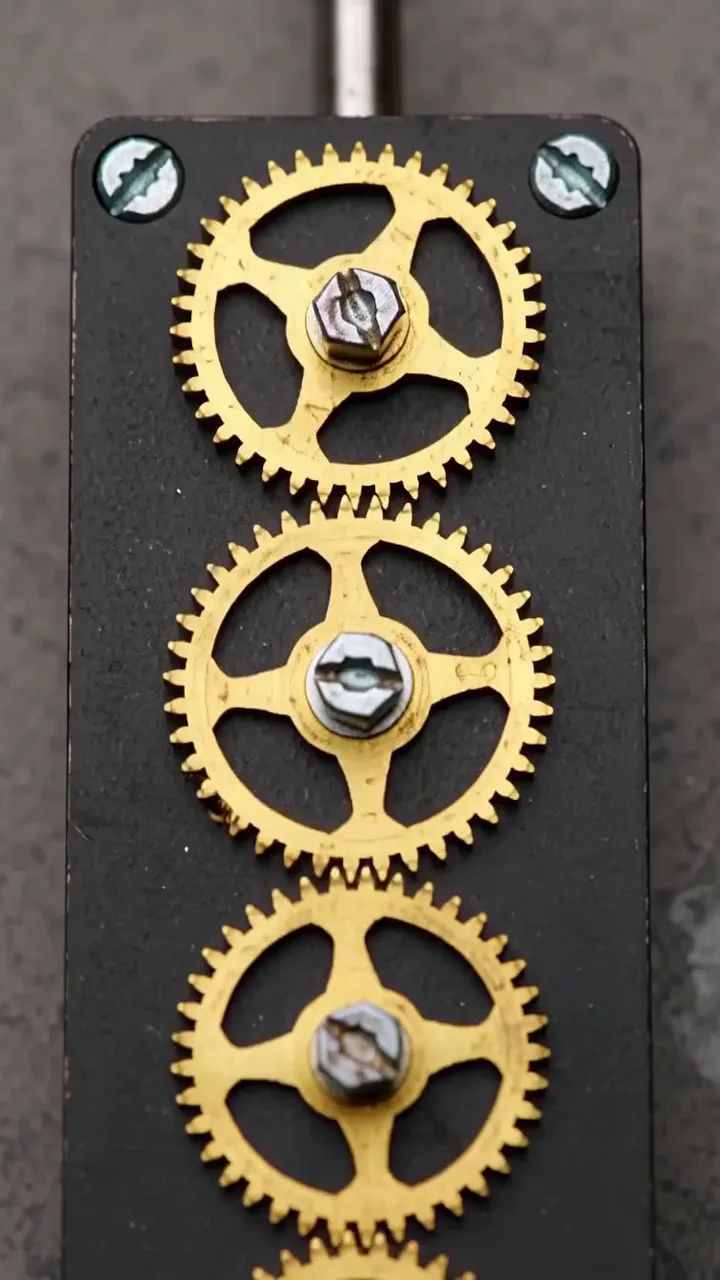
Interlocking brass gears
A sequence of gears transfers motion through a compact assembly.
View full prompt
integrated_multimodal_description: [Shot 1] Live-action macro view in a vertical frame, five small brass gears interlock on a matte black plate. The camera trucks downward with small amplitude at slow speed as the upper gear begins turning clockwise and transfers motion through the full chain. A narrow steel lever lifts at the bottom, pauses, and drops back while the gears continue rotating through the six-second shot.
overall_soundscape: Fine metal teeth click steadily with a light spring sound when the lever lifts and returns.
non_diegetic_music: N/A
Plays in view
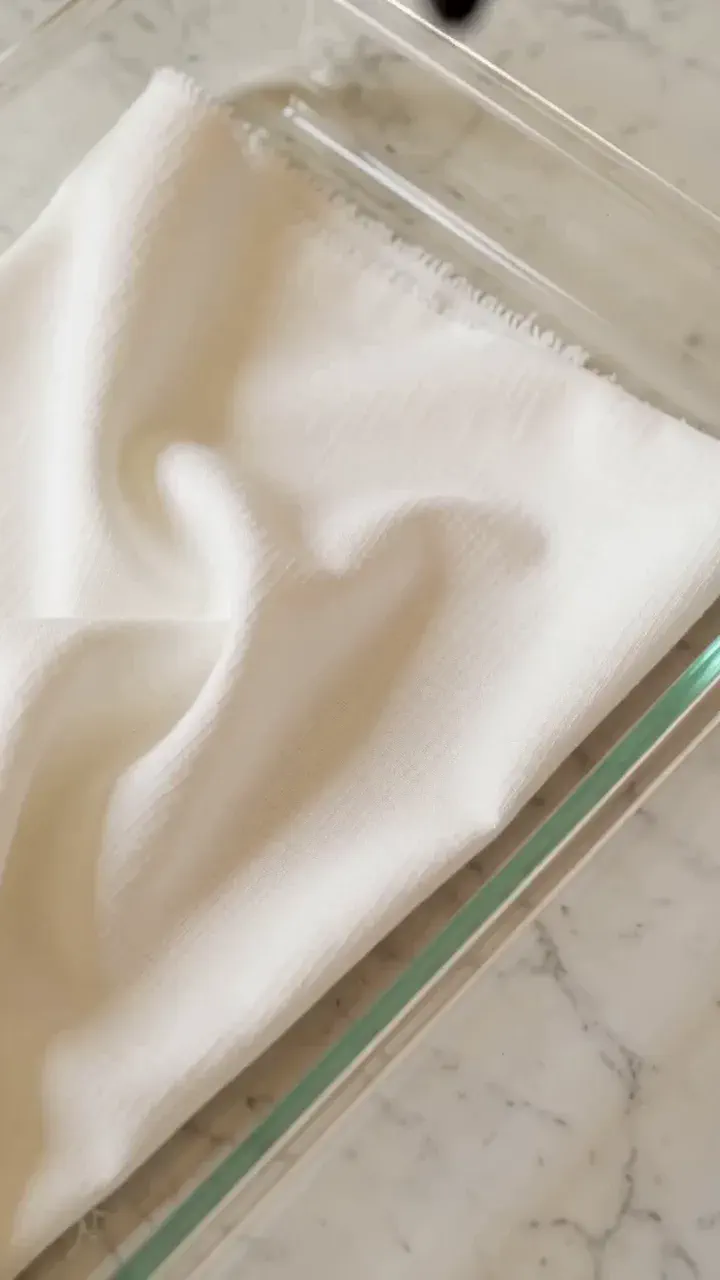
Dye spreading through fabric
Blue dye follows the weave of folded cotton and creates an uneven edge.
View full prompt
integrated_multimodal_description: [Shot 1] Live-action close-up in a vertical composition, folded white cotton lies partly submerged in a shallow clear tray. The camera holds static as a blue dye drop lands near the lower edge, spreads along the weave, and climbs through the fold. Dark blue branches expand into lighter cyan borders while the upper corner remains white at the end of the six-second shot.
overall_soundscape: A liquid drop lands in the tray, followed by faint water movement and soft fabric settling.
non_diegetic_music: Three sparse glass-percussion notes at a slow tempo.
Plays in view
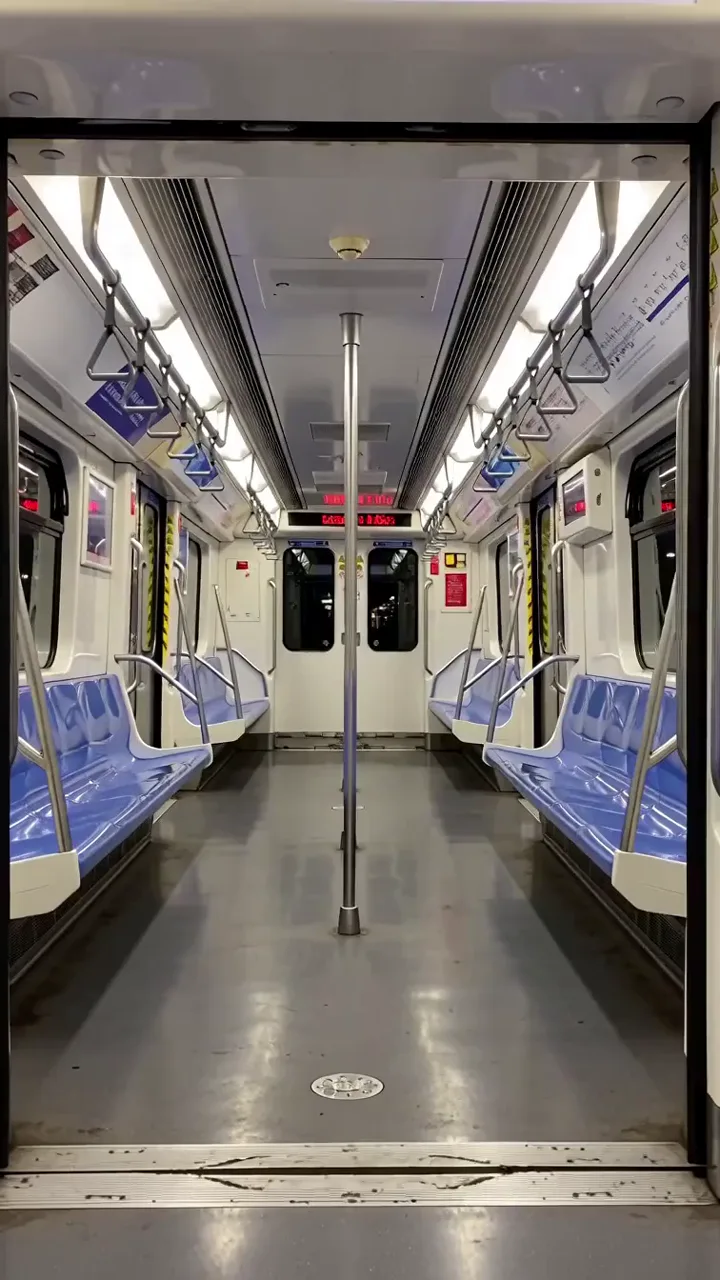
Subway doors and platform light
Doors align, close, and reflect a moving band of platform light.
View full prompt
integrated_multimodal_description: [Shot 1] Live-action symmetrical view in a vertical frame, open silver subway doors reveal an empty carriage with blue seats and white overhead lights. The camera remains static as the doors slide inward at equal speed, meet at the center, and lock. A bright platform reflection travels left to right across the closed panels before the six-second shot ends.
overall_soundscape: A short warning chime sounds, the doors glide on their tracks, and the lock clicks over a low station hum.
non_diegetic_music: N/A
Plays in view
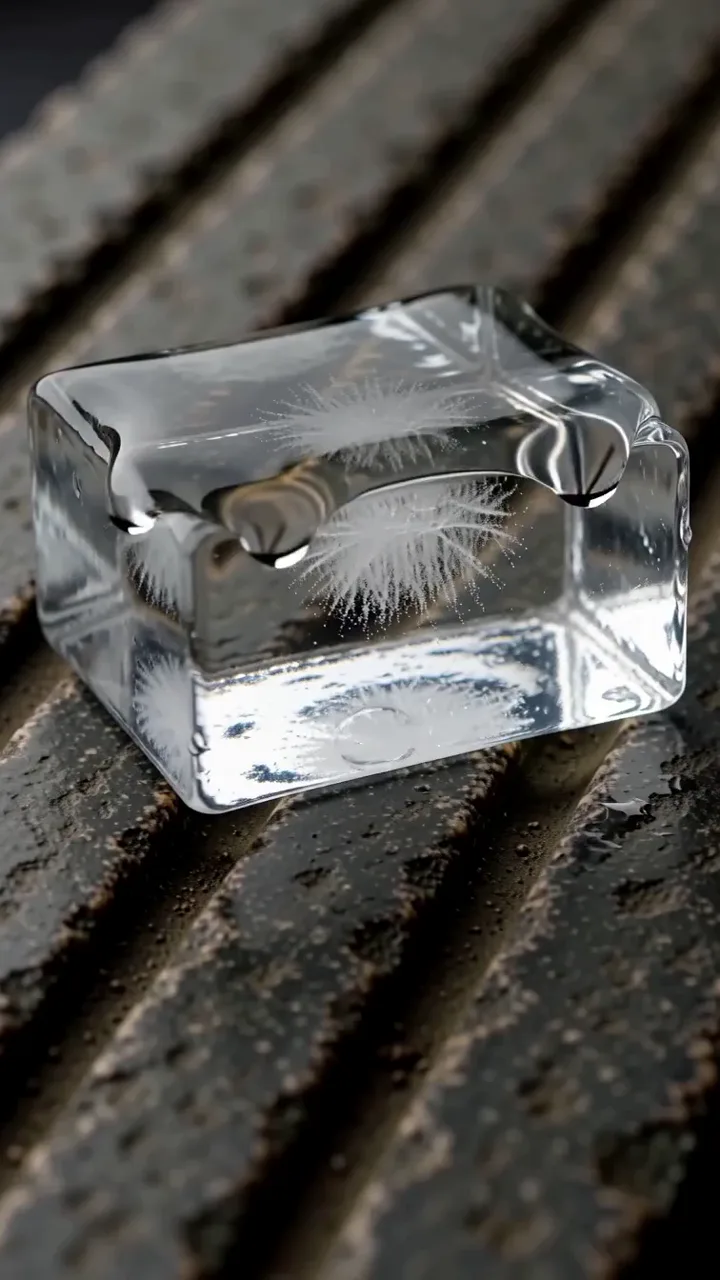
Ice melting on dark stone
A clear ice block releases water that follows grooves in the surface.
View full prompt
integrated_multimodal_description: [Shot 1] Live-action macro view in a vertical frame, a clear rectangular ice block rests on dark grooved stone under steady side light. The camera pushes in with small amplitude at slow speed as droplets form along the lower edge, merge, and run into two grooves. A trapped air bubble rises inside the ice while the water paths lengthen through the six-second shot.
overall_soundscape: Water drips on stone at irregular intervals with faint room tone and one quiet ice crack.
non_diegetic_music: N/A
Plays in view
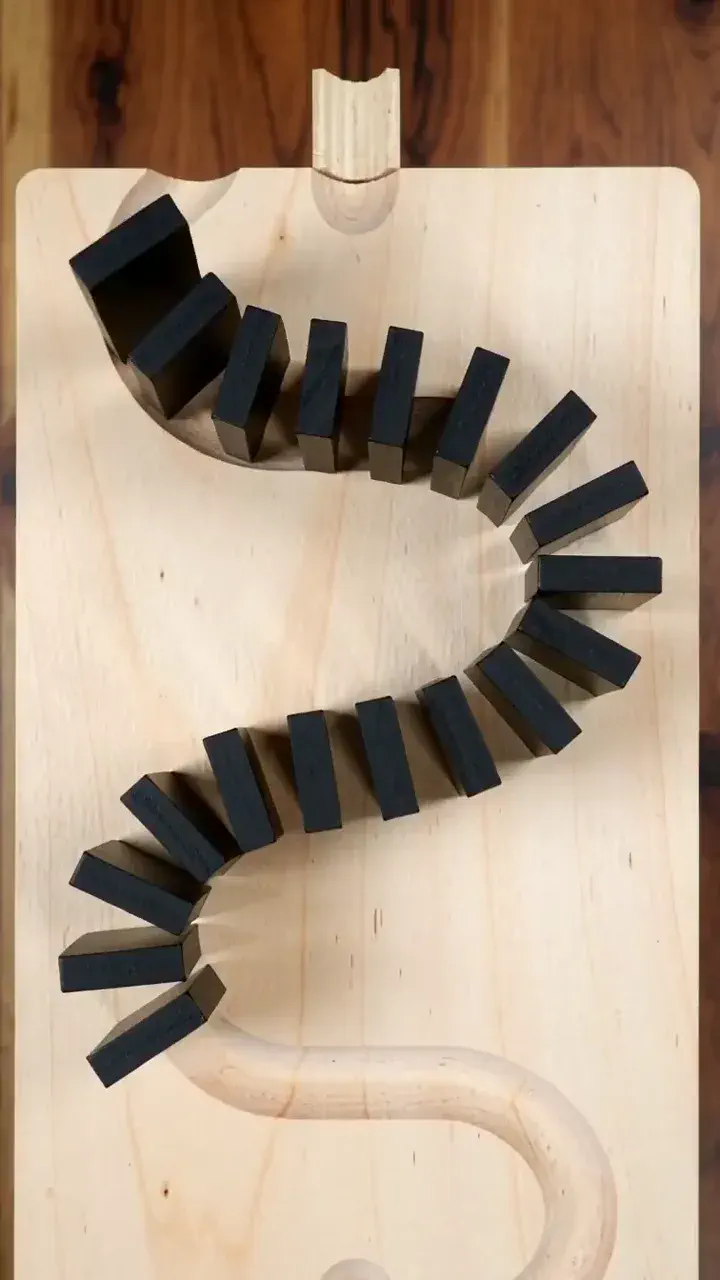
Dominoes following a curve
A falling line transfers motion around a bend and onto a lower platform.
View full prompt
integrated_multimodal_description: [Shot 1] Live-action overhead view in a vertical frame, matte black dominoes form an S-shaped line across two light wooden platforms. The camera tracks downward at normal speed as the first domino falls and the sequence travels around the curve. A final piece crosses a narrow bridge and starts a shorter red line on the lower platform before the six-second shot ends.
overall_soundscape: Rapid wooden clicks follow the falling line, with a slightly louder bridge impact and a shorter second sequence.
non_diegetic_music: N/A
Plays in view
Clay rings on a pottery wheel
Wet clay rises as two hands narrow and shape the rotating wall.
View full prompt
integrated_multimodal_description: [Shot 1] Live-action close-up in a vertical frame, wet gray clay rotates on a pottery wheel between two clay-covered hands. The camera holds static as the hands press inward and lift, drawing the clay into a taller cylinder. Horizontal rings appear along the wall, the rim narrows, and excess water moves outward across the wheel during the six-second shot.
overall_soundscape: The wheel motor hums while wet hands move over clay and water flicks softly onto the tray.
non_diegetic_music: N/A
Wan 2.6 Troubleshooting and Output Review
Symptom
Possible cause
What to change
Shots feel disconnected
The brief does not specify shared details.
Repeat the subject, wardrobe, props and light direction across shots.
The ending feels rushed
Too much time is spent on the first shot.
Assign rough timings and reduce the number of shots.
The result stays in one shot
Sequencing controls or shot instructions are missing.
Enable Prompt Expansion and Multi Shots; write separate shot lines.
Speech and mouth movement disagree
The spoken words or timing are unclear.
Write dialogue verbatim or supply clean audio guidance.
The reference changes the wrong detail
Its role is unspecified.
Say whether the reference supplies identity, movement or appearance.
Vertical framing cuts off the subject
The brief assumes a wide composition.
State the subject position or use an appropriately framed source image.
Clause match — check each instruction against the result.
Audio alignment — match sounds to visible events.
Identity — check the face or product throughout.
Transitions — inspect continuity between views.
Edge geometry — watch straight lines during camera movement.
Duration fit — make sure the action fills the selected time.
Wan 2.6 and the Rest of the Wan Model Family
Four Wan models run here. Wan 2.6 is the multi-shot entry point — switch only if the brief needs something it does not cover.
Wan 2.6 vs Wan 3.0, Seedance 2.5, MiniMax H3 and Veo 3.1
Start with the length of the sequence and the material you want to use. Wan 2.6 focuses on short multi-shot video; the alternatives change the single-clip duration, input workflow or output resolution.
Capability
Wan 2.6
Wan 3.0
Seedance 2.5
MiniMax H3
Veo 3.1
Longest single generation
15s
30s
30s
15s
8s
Maximum video resolution
1080p
1080p
1080p
2K
4K
Document or URL input
Not available here
Yes
—
—
—
Editing workflow
Generate another variation
Interval editing
Partial editing
—
Extension
Duration in this workspace
5 / 10 / 15s
2–30s
—
—
—
A dash means not specified in this comparison, rather than proof that a capability is absent. Video resolution: Wan 2.6, Wan 3.0 and Seedance 2.5 up to 1080p; MiniMax H3 up to 2K; Veo 3.1 up to 4K.
Versus Wan 3.0
Wan 2.6 fits a story that can finish within fifteen seconds. Wan 3.0 extends the single-generation ceiling to thirty seconds and adds document and webpage inputs with interval editing. Choose around the brief’s length and source material rather than the version number alone.
Versus Seedance 2.5
Seedance 2.5 offers longer single-generation and extension workflows. Wan 2.6 remains an entry point for a compact sequence with reference-video guidance and synchronized audio. Decide how many beats must fit in one output before comparing the final clips.
Versus MiniMax H3
Both fit short sequences of up to fifteen seconds. MiniMax H3 offers higher output resolution, while this Wan 2.6 workspace provides 720p and 1080p with fixed duration choices. Compare continuity at the cuts and dialogue timing using the same brief.
Versus Veo 3.1
Veo 3.1 offers higher resolution, but its single-generation ceiling is shorter. A fifteen-second Wan 2.6 sequence can contain several planned shots in one run. Evaluate the amount of assembly needed for your intended sequence, alongside image quality and audio timing.
Wan 2.6 AI Video Generator FAQ
What is Wan 2.6 used for?
Wan 2.6 is an entry point for short multi-shot storytelling in the Wan family. It generates clips up to fifteen seconds with synchronized audio and can plan transitions between scenes. Use it for a compact narrative, a product sequence or a reference-led scene that needs more than one shot.
Can Wan 2.6 create multi-shot or story-like videos?
Wan 2.6 supports multi-shot sequences and automatic transition planning. In this workspace, enable Prompt Expansion and Multi Shots under Advanced Settings. Write each shot separately with its framing and action, then name the character, wardrobe, props and lighting that should remain consistent across each cut.
How long are videos generated by Wan 2.6?
Wan 2.6 generates up to fifteen seconds in one task. This workspace offers fixed choices of five, ten and fifteen seconds. A fifteen-second clip can contain multiple scenes, but each additional shot shares that time budget. State the rough timing for every shot so the ending has room to resolve.
Does Wan 2.6 support reference-based generation?
Wan 2.6 accepts reference videos through the Reference Videos workflow on this page. You can upload up to two clips and describe the identity, clothing or movement they should guide. Each reference should have a clear role. Inspect the result at transitions to see whether those details carry across shots.
Is audio generated together with the video?
Wan 2.6 can generate sound with the picture, including dialogue, ambience and effects. Its documented workflows also support audio guidance for matching visuals to a supplied track. On this page, Optional Audio is available under Advanced Settings for text and image modes. Check both sound timing and picture continuity.
What inputs does Wan 2.6 accept?
Wan 2.6 accepts written prompts, source images and reference videos. Text and image workflows also offer optional audio uploads here. Dialogue can be written in English or Chinese; name the language and include the exact words. Accepted file formats, upload sizes and other requirements are shown beside the relevant input.
Can I control the shot framing?
Wan 2.6 can follow shot-level framing instructions such as wide, medium, close-up, over-the-shoulder and tracking. Write these into each shot in the prompt. This workspace provides a Multi Shots switch rather than separate per-shot framing dropdowns. Check the generated framing and revise the shot description if necessary.
Are credits deducted if a generation fails?
Wan 2.6 shows the task cost before submission. For a failed task, check its status and your account balance to confirm the actual charge or adjustment. Automatic refunds are not promised here because the outcome depends on the service’s billing rules. If the balance looks wrong, contact support with the task details.
Can I use Wan 2.6 videos for commercial projects?
Wan 2.6 outputs should be used according to the current service terms and any terms attached to your account. Review those terms for your intended commercial project. Uploaded footage, images, audio and other third-party material may carry their own restrictions; generating a new clip does not remove them.
How is Wan 2.6 different from Wan 2.5?
Wan 2.6 adds multi-shot sequencing, automatic transition planning and reference-video workflows to the native-audio foundation of Wan 2.5. It also supports fifteen-second tasks, compared with ten seconds for Wan 2.5. Wan 2.5 includes a 480p output tier; this Wan 2.6 workspace offers 720p and 1080p.
Wan 2.6 Generation Starts Here
Write the shots, choose the timing and let the sequence take shape. Create up to fifteen seconds with synchronized audio, with the credit cost shown before you submit.